
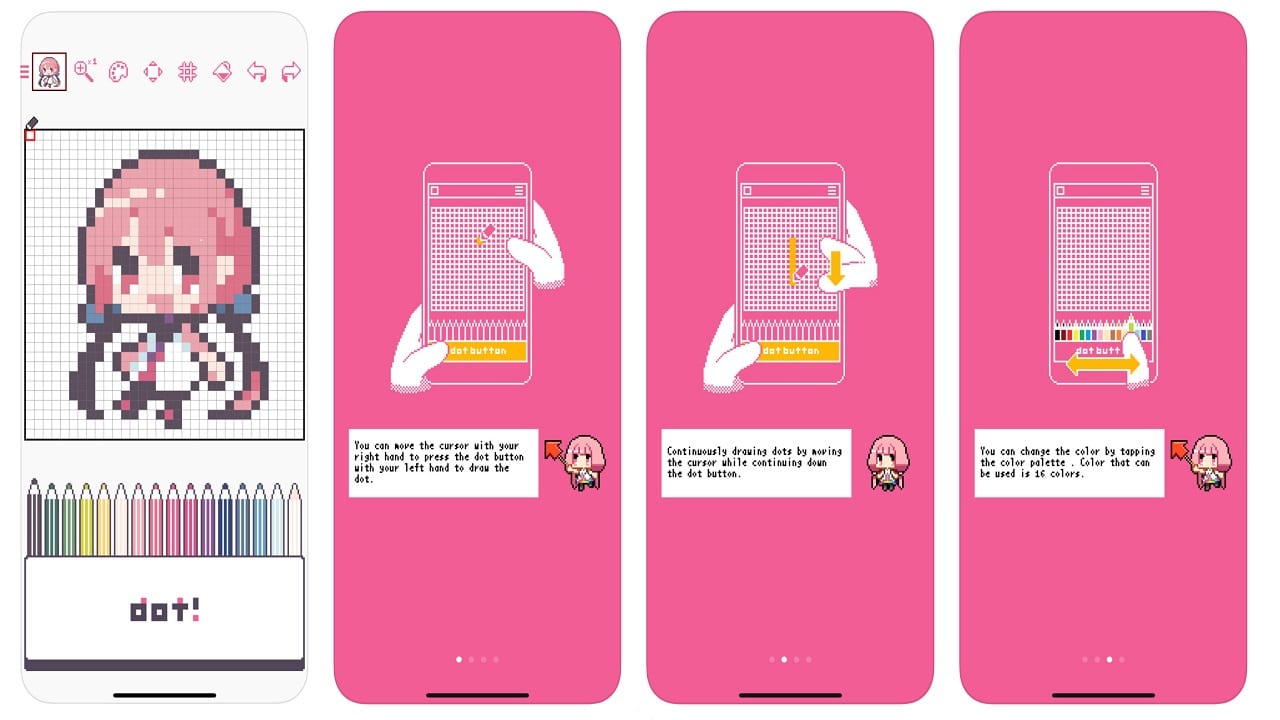


Dotpict is a pixel art painting app by Masaki Mitsuyama that makes the tedious job of working pixel by pixel a little bit easier. The app features a pen tip you can navigate to fill every pixel with your color of choice, an easily accessible and customizable palette below your pixel canvas, and a push button to select the pixel you want to work with.
Here come excuses
I’ve been ill for about two weeks with the flu and I was trying to find some way to feel less like a vegetable in bed having absolutely nothing to contribute. So, I went on Google Play looking for a game or an app to fill the time. I quickly found dotpict on my recommended apps. I installed it and quickly lost interest.
Attempts at pixel drawing
Alright, dotpict looks like a ton of fun and it can be. When I first began, it was daunting. I was decent at doodles and all, but creating pixel drawings was a little, if not significantly, different. It demands a ton of your attention and it doesn’t really help when you have the attention span of a goldfish.
Either way, the other works posted on the app are a mix of silly attempts and gorgeous creations which can tear through you with the reality that you may never be able to make works the likes of these amazing artists. For example, my first work:

My first attempt: not too bad?
As you can see, mistakes were made. I’m not too proud of this piece if I’m being honest. I was a little too ambitious on making pixel characters I grew up playing — to which I’d obviously not done a great job. From this point on, I ignored the app for a couple of days. I couldn’t quite grasp how to create pixel art.

I tried again and managed to draw this!
My second attempt
This was about a week into my flu. I’d gotten absolutely nothing done and I was tantalizingly close to bashing my head to scare the flu off its depressed host. I know, it is quite morbid, but being sick isn’t fun when you have tasks you want and need to get done. I was just at wit’s end and thought I’d give dotpict another try before I gave it a hard pass. To which, I’m happy I did because I did quite alright.
Features that help beginners
The app isn’t quite forgiving when it comes to making it easier for you if you want to design detailed pieces. It does help you with all the items you need to get started though. For starters, if you’re bored and want to fill the time, you can doodle on dotpict. Secondly, the bucket tool is a lifesaver — nobody wants to fill 20 pixels one by one. Thirdly, the palette lets you switch colors easily so you don’t have to have to spend a ton of time working with one color at a time.

From chicken scratch to this! This is my favorite and most tedious work yet: a pixel art of a scene in Spider-Man: Into the Spider-Verse
A ton of squinting?
Dotpict is a fun app — if you’re the type to obsess over details. It takes a bit of squinting sometimes when you’re eyeing the tiniest details and can’t seem to see the bigger picture. If that’s not you, it’s the perfect app to challenge you to be patient and precise. It lets you take your time and if you need a break, it autosaves your work so you can come back worry-free. If you want to give dotpict a try, it’s free for both Android and iOS.
SEE ALSO: #ArtistsofSEA: Celebrate the diversity of Southeast Asian art

Apps
The No-Nonsense guide to mid-year shopping
Let AI do the heavy lifting for you this Lazada 6.6 Super WOW Sale

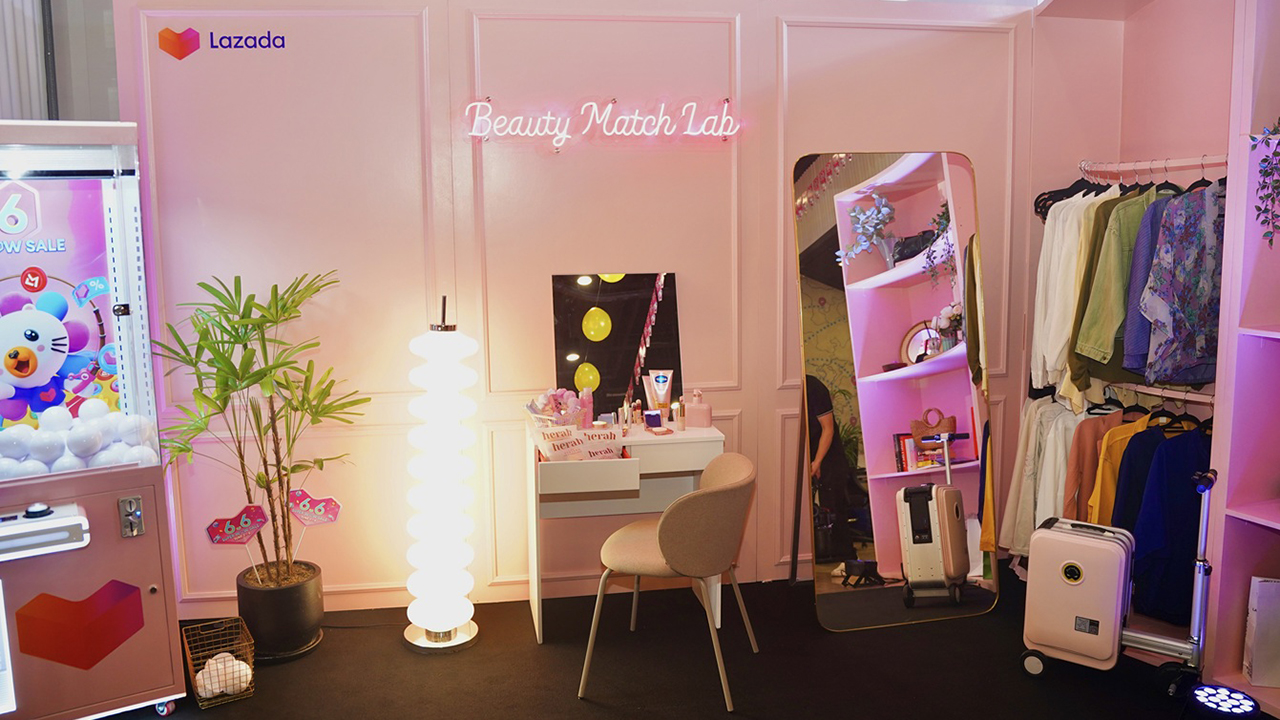
The mid-year sale season is here, but the days of mindless impulse buying are over.
Shoppers are shifting toward intentional, value-driven decisions, focusing on quality, authenticity, and actual utility over flashy, low-quality gimmicks.
From 8:00 PM on June 5 until 11:59 PM on June 8, 2026, the Lazada 6.6 Super WOW Sale is dropping major discounts. But the real win is using the platform’s tools to maximize your budget.
Lock in the baseline discounts

Before diving into specific items, map out how to stack the core offers.
You can stretch your money by hunting down LazFlash Deals for up to 90% off, collecting up to PhP 3,000 in stackable vouchers, and ensuring every order qualifies for the free shipping offers available throughout the event.
True value comes from combining these three layers of savings on things you already need.
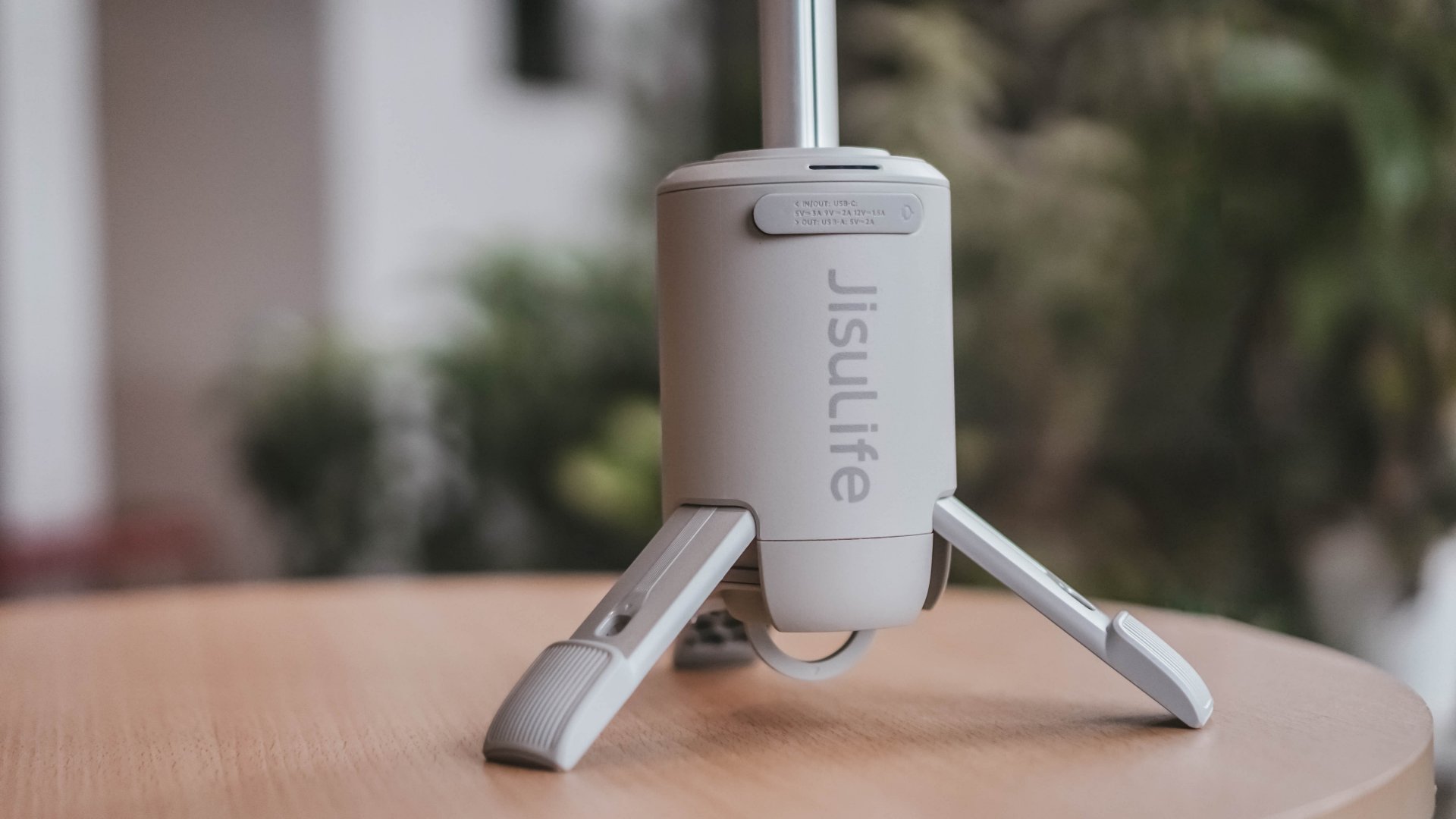
Jisulife: One of the participating, trusted brands you can get from LazMall
Filter for authentic value
Shopping smart means avoiding the trap of “too good to be true” counterfeits that end up in the trash.
Data shows a massive consumer shift toward trusted quality, with LazMall growth vastly outperforming standard listings during major sales.
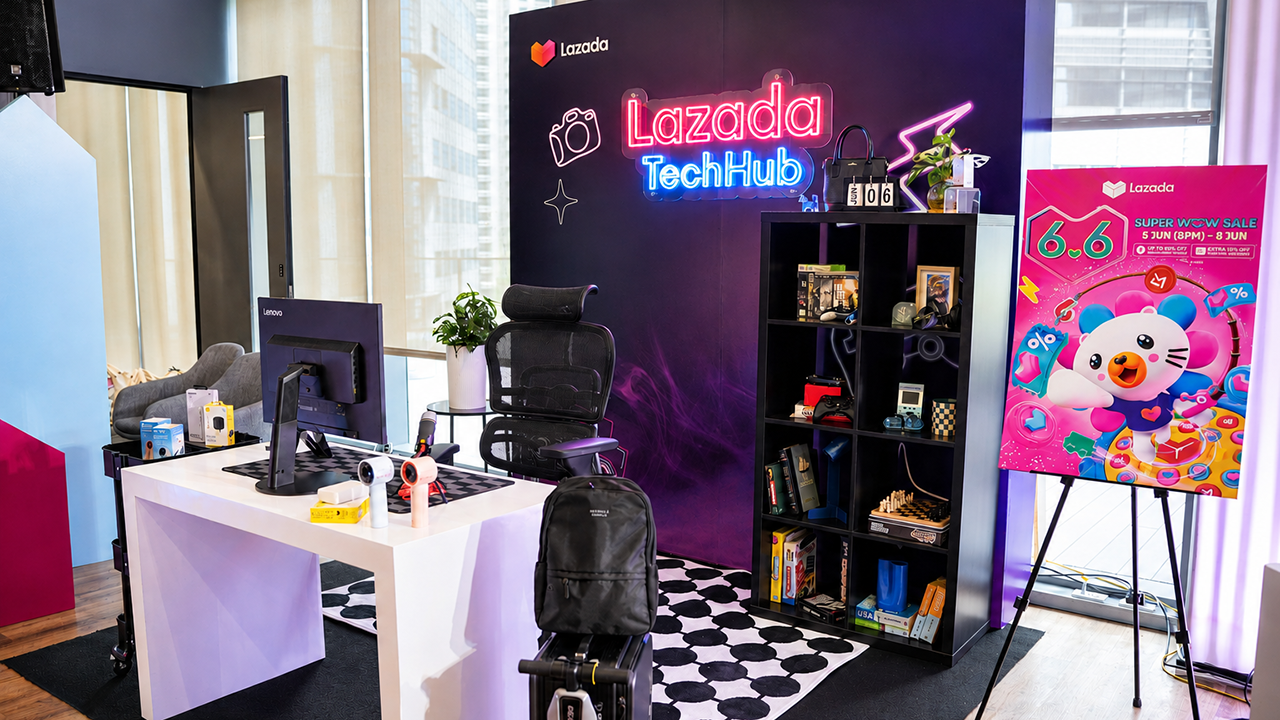
To ensure your money goes toward genuine products with real warranties, restrict your browsing to official, brand-certified stores.
If you are upgrading your tech, parenting gear, or wardrobe, look to trusted names anchoring the sale like UGREEN, JisuLife, ANTA, Maserati Watches, Momcozy, and O.TWO.O.
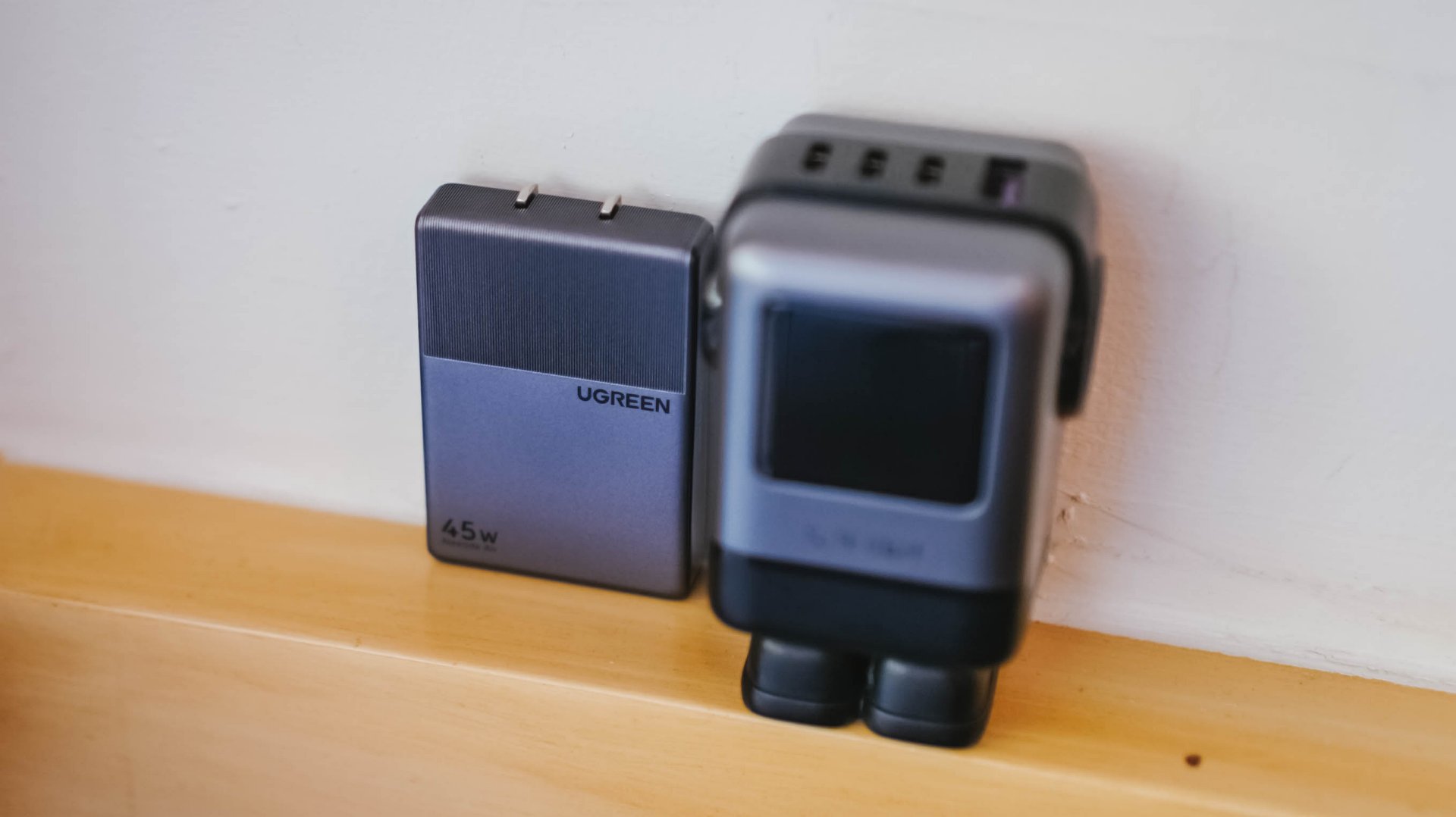
UGREEN: One of the participating, trusted brands you can get from LazMall
Outsmart the noise with built-in tech
Don’t waste hours scrolling through endless listings or guessing which product is better.
The smartest way to navigate a massive mid-year event is to let the platform’s built-in features cut through choice paralysis.

Tools like AI Lazzie and AI Picks allow you to instantly compare similar items, analyze prices, and get personalized recommendations based on actual data rather than generic marketing hype.
Smart Shopper Tip: True value is a mix of the right price, verified authenticity, and a seamless return policy. Use this sale period to stock up on everyday essentials and high-quality upgrades rather than panic-buying items you’ll regret later.

Is your wallet buckling from the weight of so many subscription services? Well, Meta has a trio of new subscriptions for you to sink your hard-earned cash towards. If you have a few dollars, here’s Facebook Plus, Instagram Plus, and WhatsApp Plus.
All three subscriptions are designed to add new features which can enhance the experience for those who practically live on these apps. Among the three, Instagram Plus is the meatiest. It offers users the ability to view other people’s Stories without showing up as a viewer, create more tailored audiences outside of Close Friends, and extend the duration of a Story beyond 24 hours, among others.
Since it shares similarities with Instagram, Facebook Plus offers much of the same features. WhatsApp Plus, however, offers more customization options including new themes, ringtones, and stickers.
If that’s not enough, Meta has also released a new subscription system for Meta AI. Though the basic use of the AI is still free, the new Meta One Plus and Meta One Premium plans offer more capacity and performance for power users. The company is also testing new creator-focused plans, Meta One Essential and Meta One Advanced.
Of course, the new AI-based plans are more focused on those who actually use the AI software. Meanwhile, the three app plans are more for regular users. Facebook Plus and Instagram Plus will cost US$ 3.99 per month. Meanwhile, WhatsApp Plus will cost US$ 2.99 per month.
SEE ALSO: Instagram takes on Snapchat yet again with new Instants feature
Apps
Meta quietly launches Forum app for Facebook Groups
The app highlights discussions from Facebook Groups.

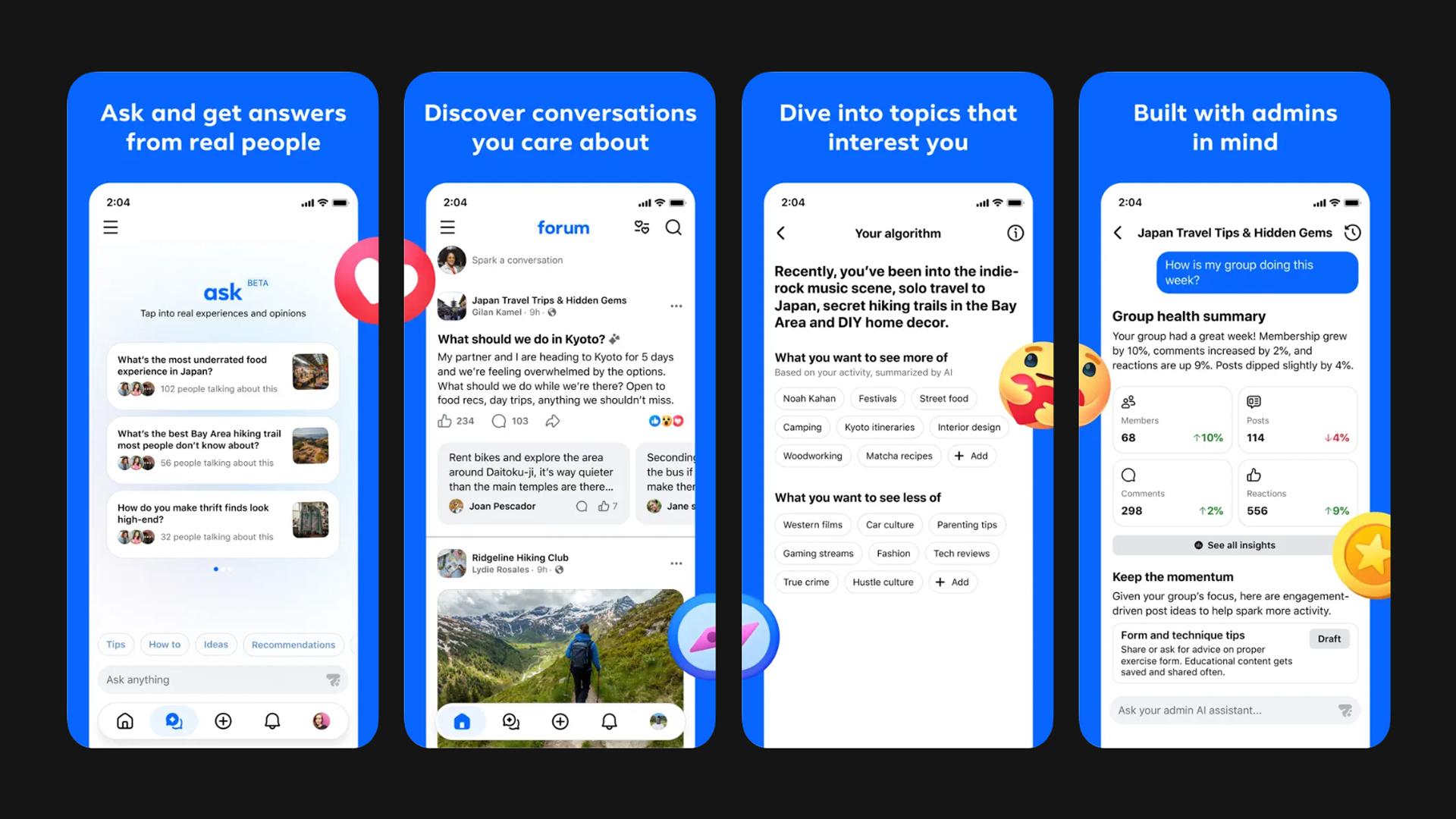
Since the rise of other platforms, Facebook Groups haven’t enjoyed as much popularity anymore. Despite this (or maybe even to help with this), Meta has unleashed an all-new app called Forum.
Designed specifically with Facebook Groups in mind, Forum collates discussions from Groups that the user might be interested in. Much like the websites of the same name from the 2000s, the app wants to feature conversations, rather than canned content that the algorithm shoves towards users on the main Facebook feed.
Users can also ask questions. Forum will sift through real discussions to find an answer. The closest analog today is searching Reddit for troubleshooting questions to get answers based on human experience. The main feed of the new app, however, feels more in tune with Quora’s concept.
That said, it’s a refreshing way to bring social media back to human-made feeds. It’s also a stark admission that the main Facebook feed (and, frankly, Instagram too) is just too inundated with content that users are not interested in.
Lately, Instagram also made the same admission by launching its own “lightweight” app called Instants. Like Forum, Instants was made to recapture the essence of Instagram before the rise of the almighty algorithm.
Forum, however, was launched with much less fanfare than Instants. There was no announcement. Rather, it’s just a casual drop from out of nowhere. The app is available now on the App Store and the Play Store.
SEE ALSO: Instagram takes on Snapchat yet again with new Instants feature


HONOR Magic V6 review: The best version of a book-style foldable?
Little left to sacrifice


Close without crossing: A Xiaomi 17T Pro photo essay
Distance and closeness are not always opposites.


Spring reset: Growing more at home with Auk Mini
From kitchen counter experiment to everyday habit

Kingdom Hearts IV gets new trailer, confirms Switch 2 release

Final Fantasy fans have two big reasons to look forward to 2026

TECNO’s POVA 8 5G is both futuristic and future-ready

Upcoming realme C100 series to feature 8,000mAh battery

What HYROX Hong Kong looks like up close


-

 News1 week ago
realme launches P4 Series 5G, including Power with 10,001mAh battery
-

 Hands-On2 weeks ago
The Xiaomi Watch S5 proves you don’t have to take it off
-

 Computex 20262 weeks ago
ASUS ROG XBOX Ally X20 debuts at COMPUTEX 2026
-
 India3 days ago
TECNO’s POVA 8 5G is both futuristic and future-ready
-

 Computex 20262 weeks ago
Acer introduces new e-bikers, e-scooters at COMPUTEX 2026
-

 Gaming2 weeks ago
God of War Laufey puts Faye in the spotlight
-

 Gaming2 weeks ago
Marvel’s Wolverine showcases brutal combat, confirms Jean Grey
-

 Buyer's Guide6 days ago
Buyer’s Guide: Xiaomi Pad 8 Series